.png)




How to set up Contact Poster
How to set up Contact Poster
01 Tap the target contact, then tap 【Contact Photo & Poster】
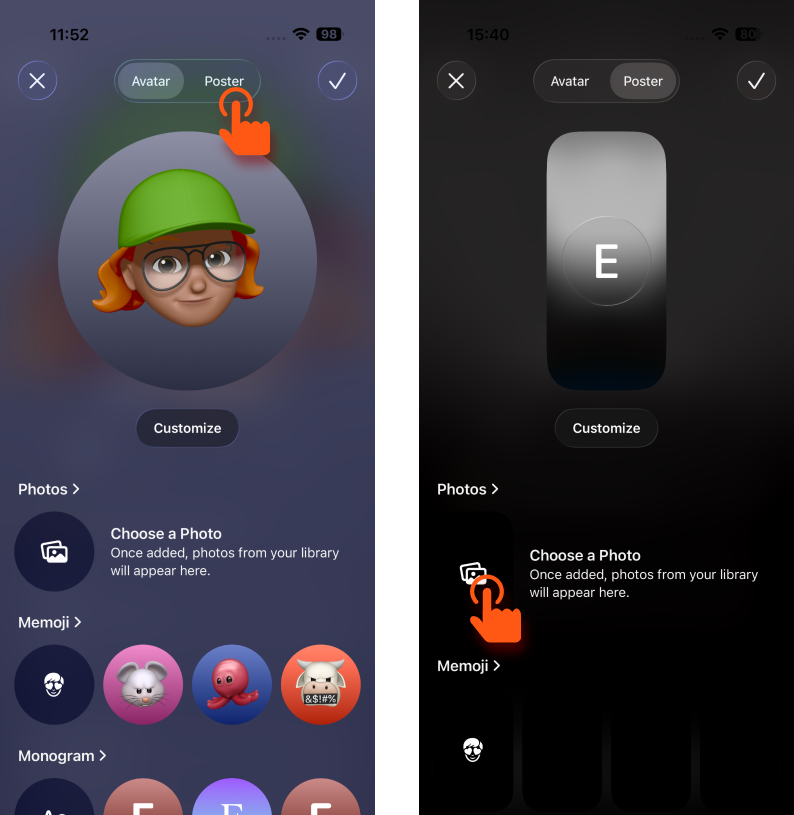
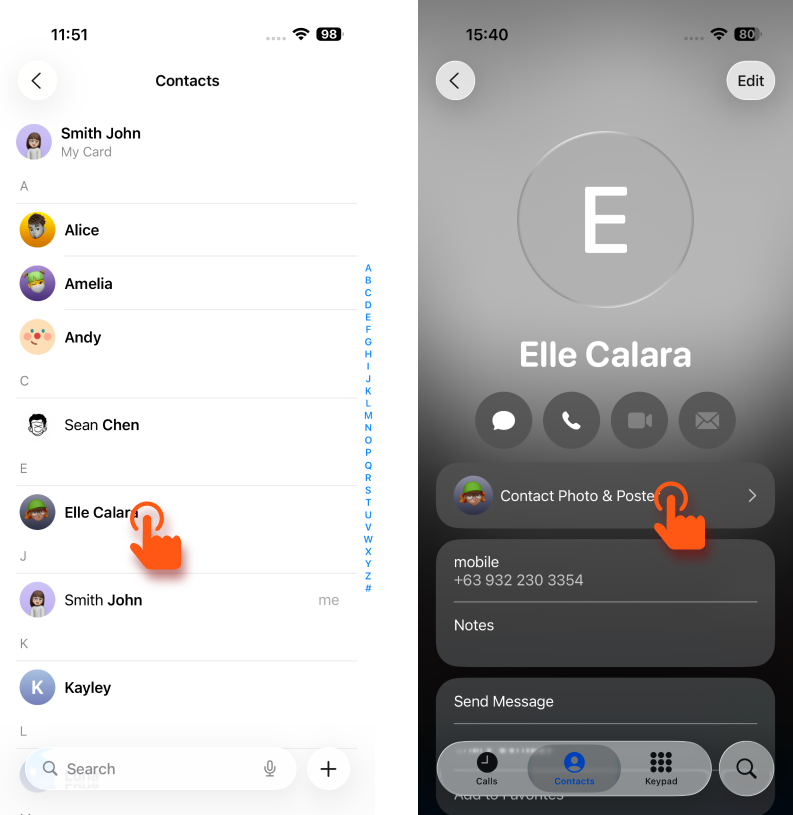 02 Select 【Poster】, then tap Choose Photo
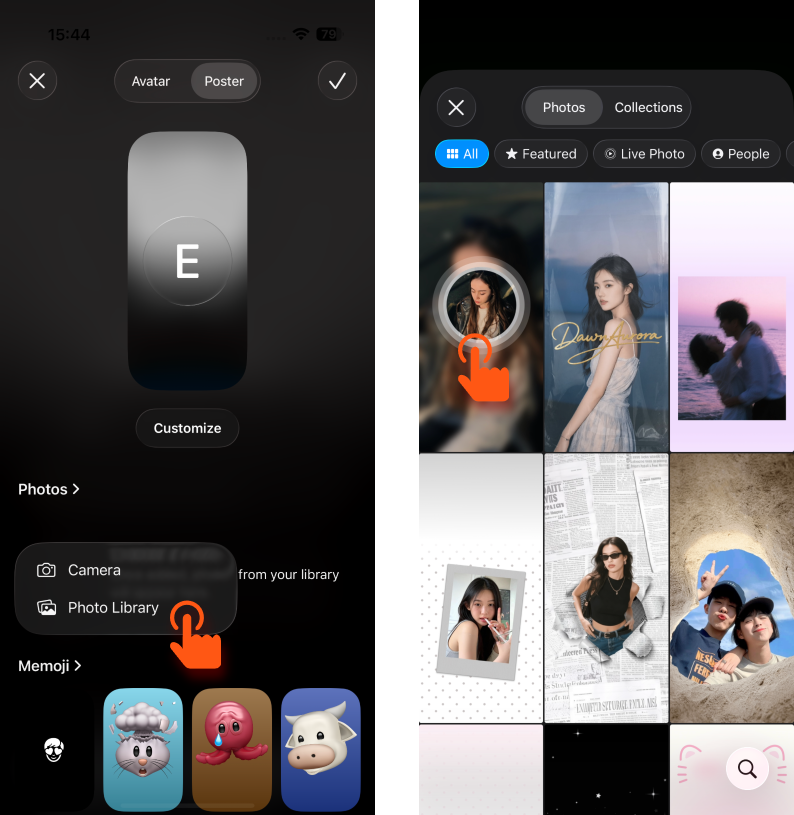
 03 Tap 【Photo Library】, then select the contact poster you just saved
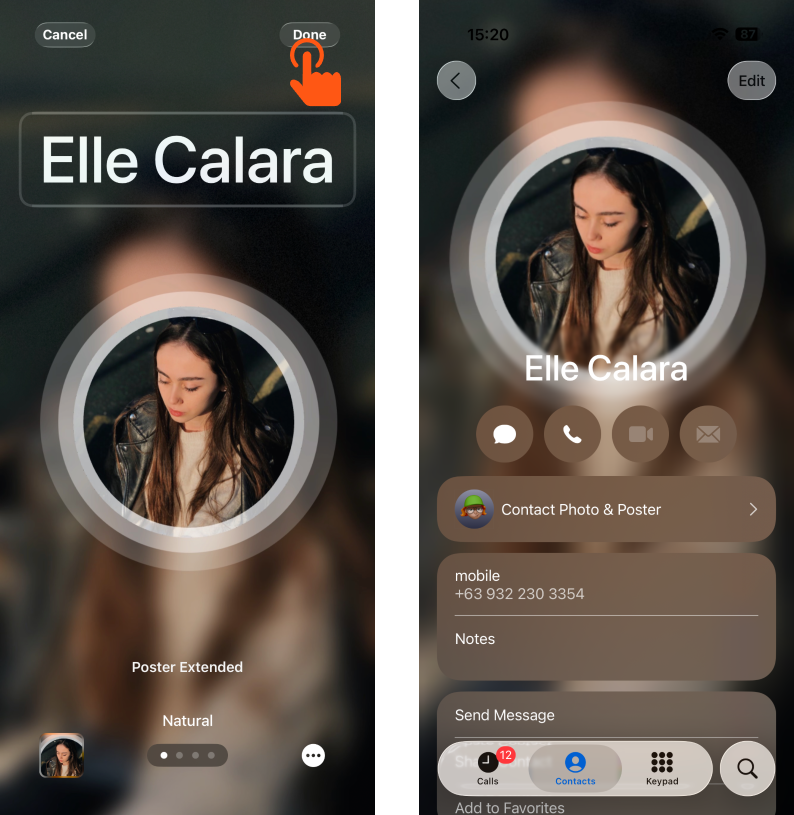
 04 Tap 【Done】 in the top-right corner to complete the setup
02 Select 【Poster】, then tap Choose Photo03 Tap 【Photo Library】, then select the contact poster you just saved04 Tap 【Done】 in the top-right corner to complete the setup