
.png)
Dynamic Island Pets: How to Add Cute Pets to Your iPhone
Updated July 2026
Think of your phone’s status bar as a miniature Tamagotchi. Dynamic island pets are the small, cute animated creatures, often cats, dogs, or stranger things like axolotls, that live in your iPhone’s Dynamic Island cut-out and follow you all around the phone, no matter what app you’re in. You get a Dynamic Island pet via a third-party app, not a system toggle, and it takes a couple of minutes to set up.
Quick Specs
| Setup time | Under 2 minutes |
| Compatible iPhones | 14 Pro / 14 Pro Max and every non-notch iPhone since (15, 16, 17, Air) — the plain iPhone 16e is the one recent exception |
| Cost | Free tier available on every app in this guide |
| How it disappears | Apple caps it at 8 hours, but three other things can end it sooner — see below |
What Is a Dynamic Island Pet, Exactly?

A dynamic island pet, sometimes called a virtual pet, or just a way to add a digital pet to your iPhone’s home screen and lock screen, is a small animated character that a third-party app places inside your iPhone’s Dynamic Island using Apple’s Live Activities API, not a feature Apple built or ships itself. The idea started as an accident of sorts: iOS developer Christian Selig, best known for the Reddit client Apollo, added a pixel-art cat to the Apollo app as a small Dynamic Island Easter egg on September 16, 2022, the same week the iPhone 14 Pro’s Dynamic Island itself launched. About a month later he spun it into its own free-standing app, Pixel Pals (originally listed as “Dynamic Zoo”), so anyone could download Pixel Pals and keep an adorable pet in their Dynamic Island without needing Apollo at all. Apollo itself shut down in 2023 after Reddit’s API pricing changes, but Pixel Pals kept going as its own product.
Let’s set the record straight: this origin story dates to late 2022, not 2025. This trend, however, has shown staying power – Pixel Pals continued to receive iOS 26 compatibility updates in November 2025 and was even highlighted as an “App of the Month” by a tech site in April 2025 – but the concept of the critter, the API it runs on, and its originator all trace back to the inaugural week of the Dynamic Island. Like many iPhone hacks today, many discover dynamic island pets customization through TikTok videos rather than technology websites; one reviewer mentioned downloading a clone after encountering the “most viral” one on TikTok.
Which iPhones Support Dynamic Island Pets?
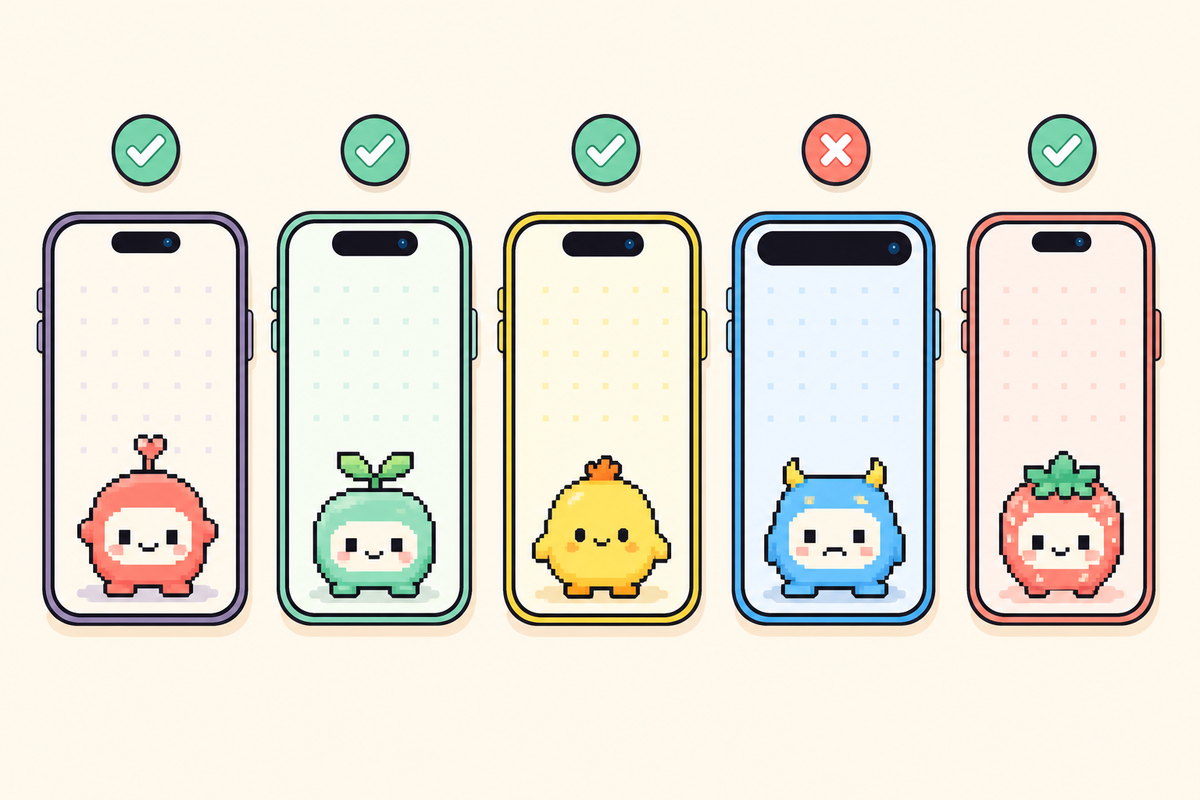
To add a pet to your Dynamic Island using any app listed here, you need two things: the iPhone’s physical Dynamic Island cut-out and iOS 16.1 or later, which is the version of the operating system that granted third-party developers access to the Live Activities API on October 24, 2022. One note: all iPhones that have been released since the 14 Pro come equipped with this cut-out, but double-check before downloading any app.
| Lineup | Dynamic Island? | Year |
|---|---|---|
| iPhone 14, 14 Plus | No — notch | 2022 |
| iPhone 14 Pro, 14 Pro Max | Yes — the original | 2022 |
| iPhone 15, 15 Plus, 15 Pro, 15 Pro Max | Yes — all four models | 2023 |
| iPhone 16, 16 Plus, 16 Pro, 16 Pro Max | Yes — all four models | 2024 |
| iPhone 16e | No — kept the notch | 2025 |
| iPhone 17, 17 Pro, 17 Pro Max, iPhone Air | Yes — all models | 2025 |
Source: Apple’s Dynamic Island models guide and Apple’s live iPhone comparison tool.
On a base iPhone 14 or an iPhone 16e, none of the apps listed below will completely fail (many install and run just fine), but only the pet will be visible as a Lock Screen widget; you won’t see it appear inside the Dynamic Island because the necessary cutout just doesn’t exist there.
How to Add a Pet to Your Dynamic Island (Step by Step)
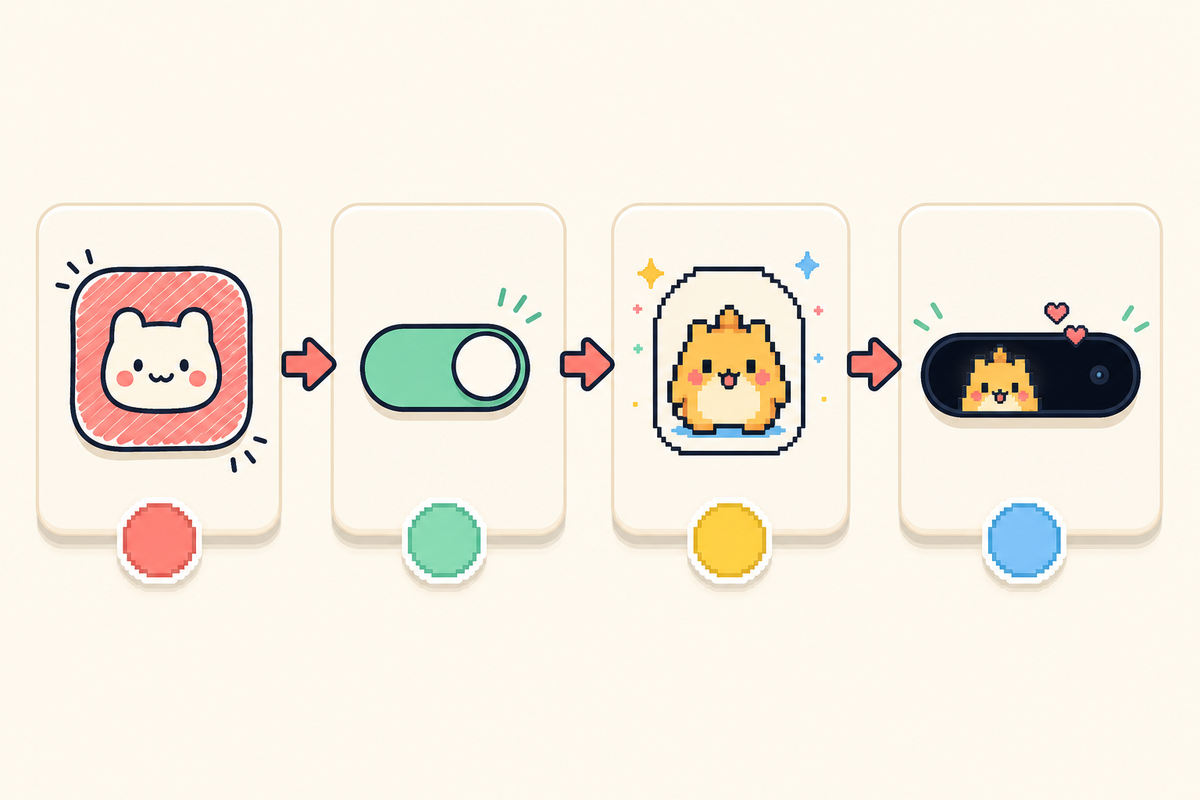
The underlying mechanisms for each of these apps are surprisingly similar, and they all run on the same Apple API. Here’s the basic process, using the terms each app is inclined to use for the same settings:
Setup Steps
- Install the app of your choice (Pixel Pals, Pixel Pets, or iScreen’s Pet Island – more on them below), and launch it.
- Select a starting pet. You get at least one option in each of the apps featured in this roundup without paying anything.
- In the app settings, turn on the “always show” option (Pixel Pals has a setting labeled “Always Show Pixel Pal”).
- Allow the app permission to use Live Activity when iOS prompts you — this is the key step that actually makes the pet system-wide.
- Return to your home screen. You should see the pet appear in the Dynamic Island, which will appear slightly larger when it’s active.
Per a Digital Trends hands-on walkthrough of this exact setup flow, once the pet is active, its functionality in the Dynamic Island is somewhat limited by the Apple API rather than the app itself. Tapping the Dynamic Island with the pet will open the full app, and touch-and-hold expands the activity view to display the pet’s name and feeding/playing shortcuts — you can’t feed or play with your pet directly within the Island without that expansion action.
Pixel Pals vs Pixel Pets vs iScreen: Which App Should You Use?
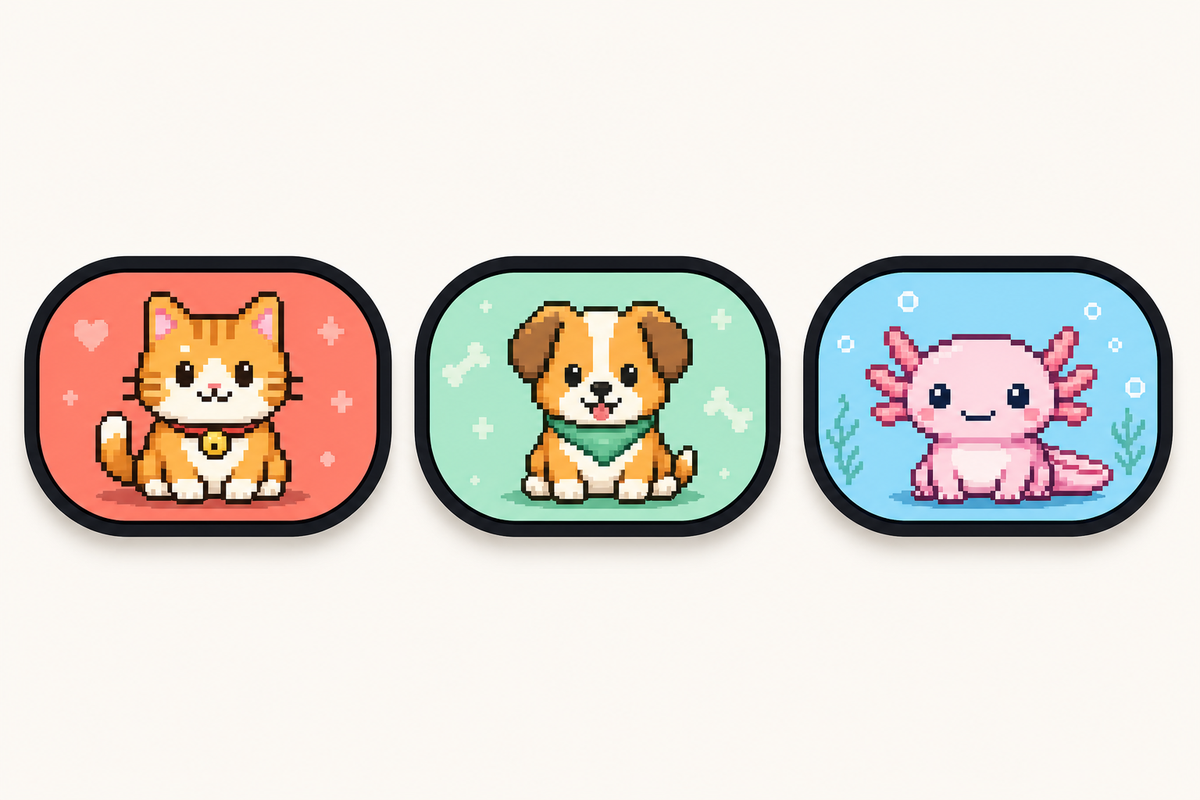
There are three major apps that serve the bulk of demand in this space, and they aren’t interchangeable. Worth being aware of, too, is a wider range of less-reputable options: the app-directory site AppsHunter currently has more than 217 apps listed under the “Pixel Pals” category, and some have been called out in the App Store as being blatant plagiarism or outright scams, with users complaining the promised pets never appeared. One Redditor, in an Apollo/Pixel Pals community discussion, pointed out one cloned app for “stealing the damn names of some of the animals” and charging about $10 for the privilege. Given the potential for scams, it’s wise to stick with a developer you already know or an app you use for other functions.
| App | Free tier | Premium price | Beyond pets |
|---|---|---|---|
| Pixel Pals | 2 pets (Hugo the cat, Rupert the dog) | $1.99/mo or $14.99/yr — unlocks 16 more pets, including Chortley the hedgehog, + 2 pets at once | Nothing — single-purpose pet app |
| Pixel Pets | 8 pets included | $9.99 one-time lifetime unlock (or $4.99/mo) | Nothing — single-purpose pet app |
| iScreen (Pet Island) | Included as one of iScreen’s Dynamic Island modes | Varies by iScreen subscription tier | 9 more Island modes, plus wallpapers/icons/widgets in the same app |
Prices and ratings as of July 2026, live checked from the App Store.
Pixel Pals’ Full Pet Roster, by Type
Want to know what you’re actually getting for $14.99 per year? Pixel Pals’ listing on the App Store names every single one of the pets, including their respective animal types:
| Type | Pet Name | Tier |
|---|---|---|
| Dog | Rupert | Free |
| Cat | Hugo | Free |
| Hedgehog | Chortley | Premium |
| Fox | Finnegan | Premium |
| Axolotl | Mochi | Premium |
| Otter | Nugget | Premium |
| Bat | Fu-Fu | Premium |
| Parrot | Kiwi | Premium |
| Tiger | Herbert | Premium |
| 9 more types | Including Platypus, Panda, Raccoon, Butterfly, T-Rex, Bunny, Red Panda, Pet Rock, and Penguin — 18 pets total | Premium |
The only decision worth highlighting here is the single-purpose tax: if you solely want to customize your Dynamic Island with a pet and nothing else, an app like Pixel Pals or Pixel Pets is the more minimalist route. If, however, you’re already using an app to manage wallpapers, icons, or widgets, adding yet another single-purpose app for pets would be an extra subscription, an extra icon and yet another competing feature all crammed into the same area — a combined app, then, is much more integrated into existing infrastructure you’re already paying for or already have installed. iScreen’s own app on the Apple App Store is substantially more popular than the other standalone options — 144,000 reviews and ranked #12 in Graphics & Design vs 36,000 reviews and ranked #128 for Pixel Pals — although to be clear, this includes ratings from users who interact with other features like wallpapers, icons, and widgets in iScreen, and isn’t a pet-specific popularity measurement since the app combines many more features with a pet element.
Why Your Dynamic Island Pet Disappears (The Live Activity Timeout)
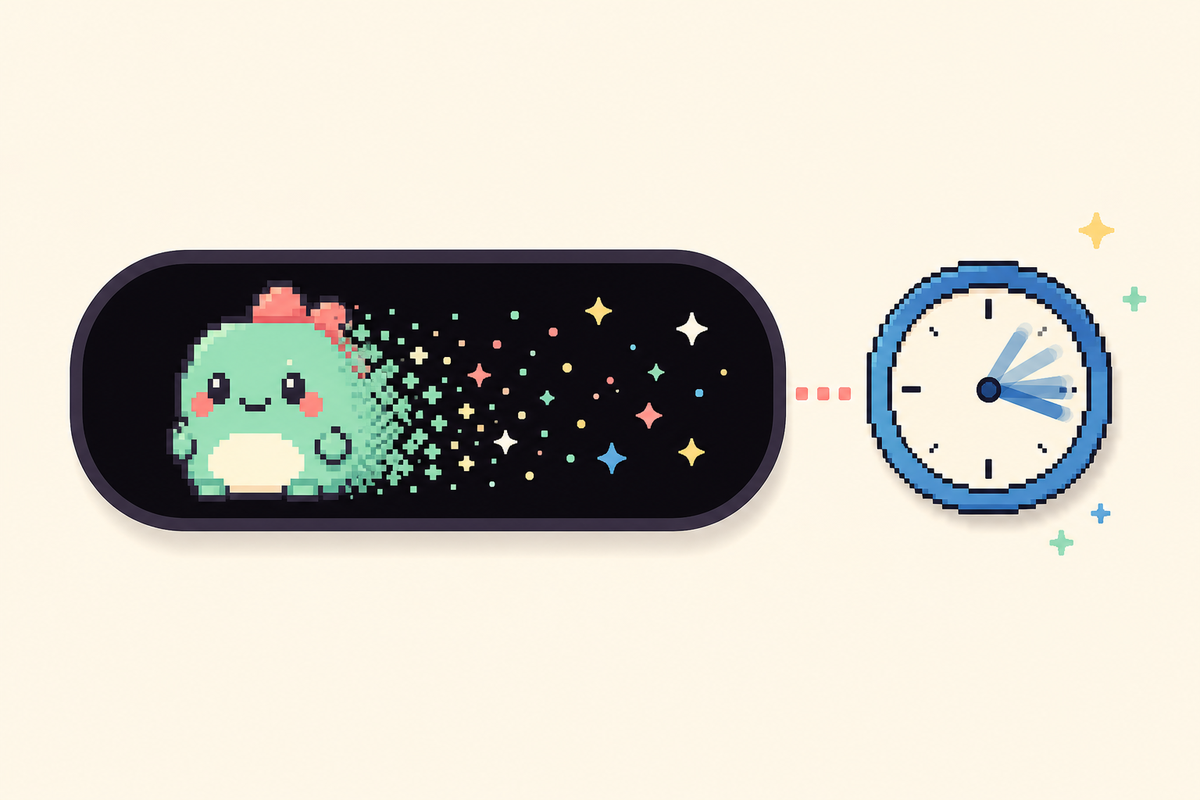
Any Live Activity – a pet included – is automatically limited to 8 hours in the Dynamic Island. Once 8 hours pass, the activity is automatically stopped by iOS and immediately cleared from the island, though it will continue to live on your Lock Screen for up to 4 hours more, 12 hours total, before it’s finally removed. Apple’s own developer forum includes a confirmation from an Apple engineer that the Dynamic Island explicitly removes the activity at that 8-hour mark, independently of the longer Lock Screen period.
“The Dynamic Island is cleared as soon as the activity ends after a maximum of 8 hours.”
— Argun Tekant, DTS Engineer, Core Technologies, Apple, on Apple’s Developer Forums
We’ll call it the Live Activity expiration wall because eight hours is only one of three different reasons your pet might mysteriously disappear from view.
The 3-Cause Disappearing-Pet Framework
- The 8-hour system cap. The hard ceiling discussed previously; no changes to settings will affect this.
- The app-level toggle for Live Activities has been turned off. If you disabled Live Activities from Settings or toggled “Don’t Allow” when the initial prompt came up, the pet won’t be able to start back up on its own.
- A higher-relevance activity bumped it. Apple’s ActivityKit lets an app assign a
relevanceScoreto each Live Activity, and that score, not just arrival order, decides which one actually shows in the Dynamic Island when more than one is active. An incoming call, a running timer, or turn-by-turn navigation can all outrank a pet for that real estate, independent of the 8-hour clock.
A fourth and altogether different problem sits outside this framework entirely: a bug, rather than a documented Apple behavior, that’s been widely reported across app reviews. One Pixel Pals user described it starkly: a dead battery or device reboot completely wipes the pet’s entire history — food harvested, forms unlocked, even its name — with no possibility of recovery, a problem reported since 2023 with no fix mentioned in any changelog since. That’s data loss, not a Dynamic Island timeout, and the practical takeaway is the same either way: don’t get attached to your pet’s progress if your phone’s battery habitually dies.
Free vs Premium Dynamic Island Pets: Is It Worth Paying?
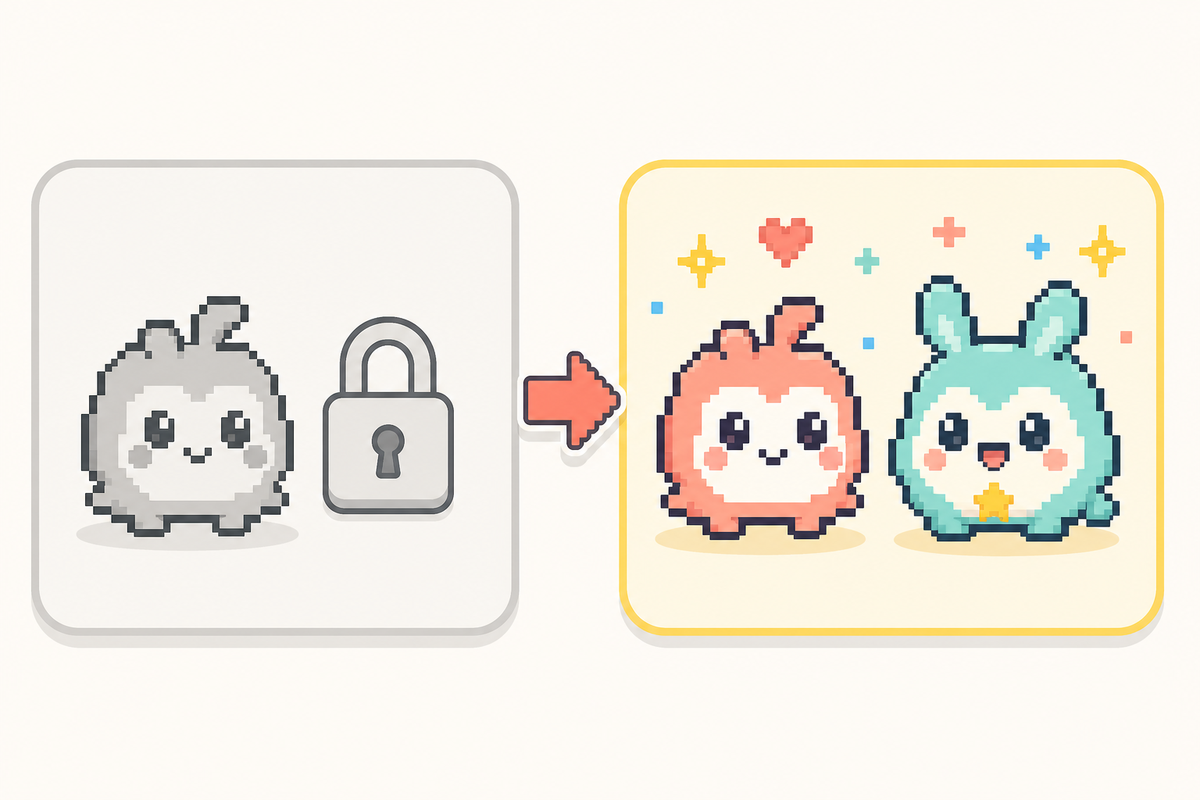
Across all apps, you’ll get a single, or a couple of initial pets on the free tier. Premium unlocks the full roster.
When Premium Is Actually Worth It
- You want more than two pet options. All the apps’ paid tiers allow you to unlock most of the available animals in a single purchase.
- You want the second-pet premium. Specifically, only Pixel Pals’ premium plan allows you to show more than one pet on the Dynamic Island simultaneously, with no alternative way to enable it in the app.
- You’d rather buy it once than subscribe monthly. Both Pixel Pets ($9.99) and Pixel Pals ($49.99) offer a one-time lifetime unlock instead of a recurring subscription.
That last part isn’t a blind guess either. Searching on Reddit for “free or lifetime purchase, no subscription please” received 198 upvotes on a thread about the latest apps featuring dynamic island pets – clear evidence that subscription exhaustion isn’t just a general Reddit problem but is prevalent within this precise buyer demographic. It also lines up with how The Verge tracked Pixel Pals’ own pricing history: it has only gone up over time, not down. If that’s your sole criterion in choosing between Pixel Pals’ $1.99 monthly subscription and Pixel Pets’ $9.99 one-time purchase, you’re looking at the more casual option.
Beyond Pets: What Else You Can Put in Your Dynamic Island
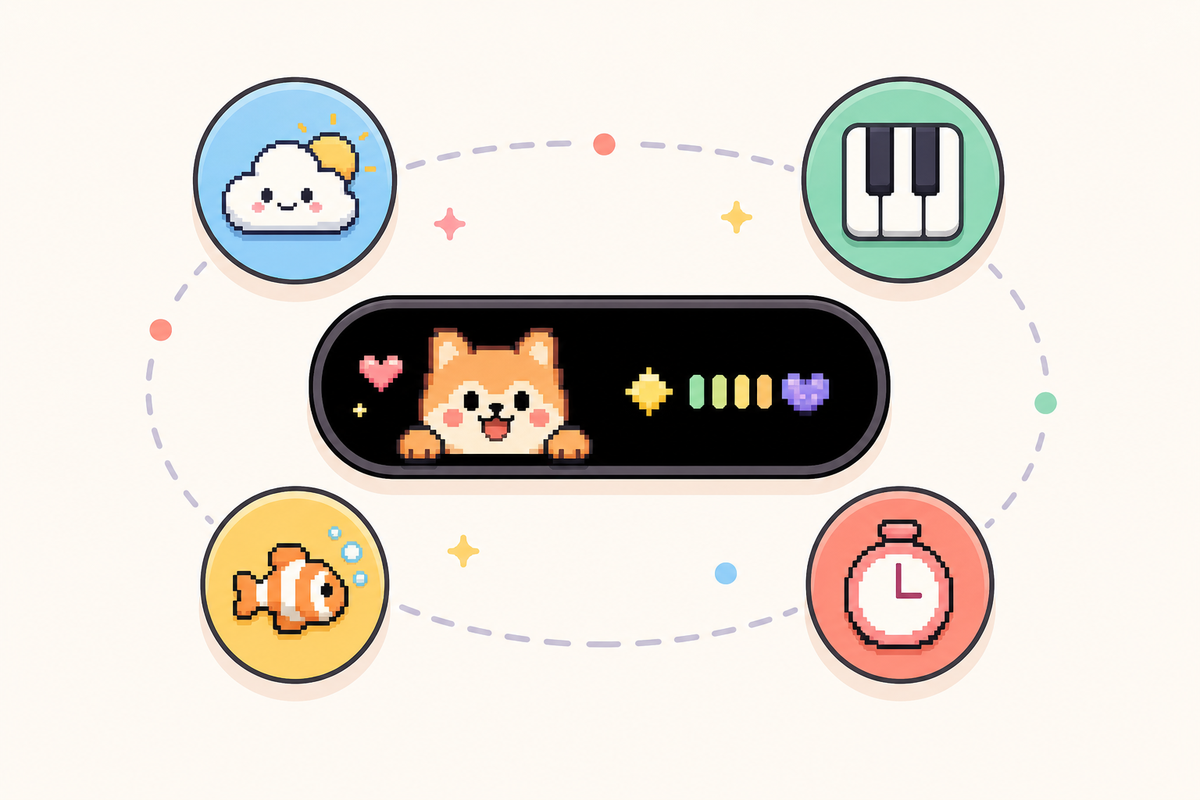
But if your query of “most-searched for use of Dynamic Island” yielded pets, be aware it’s only one corner. Beyond the native side of the Dynamic Island as outlined in Apple’s own user guide, including recording a voice memo, sending a file over AirDrop, or receiving navigation instructions from Apple Maps, there are numerous third-party apps, such as Uber, Flighty and Carrot Weather, that use the same Live Activities API to display ongoing information for the ride you’re taking, flight status, or incoming weather conditions.
Say you tried a pet app, decided the novelty wore off after a week, and deleted it — that’s a common enough pattern, and a lot of people regret stopping there, because it doesn’t mean the Dynamic Island itself was a disappointment. Per Apple’s official developer documentation, the Dynamic Island and Lock Screen widgets share the same underlying Live Activities framework, so the same real estate that showed your pet can just as easily show something you’ll actually use daily. As far as personalization options go, iScreen’s own Dynamic Island page outlines ten “Island” modes beyond Pet Island — Aquarium, Piano, Photo, DIY, Weather, Barrage, Countdown, Illustration, and Panel — plus 100+ Dynamic Island styles and matching home screen and lock screen wallpapers overall, so a pet was never the only reason to install iScreen in the first place. Weather Island keeps a live, glanceable forecast in view without opening a separate weather app; Countdown Island turns the same cutout into a running clock for an event you’re tracking, the same way a $40/year weather subscription app would, minus the subscription. If the pet gimmick was the entry point but ongoing utility is what actually keeps an app installed on your phone, that’s the practical case for exploring iScreen’s broader home screen and lock screen feature set on the same page before writing off the Dynamic Island as a novelty you’ve already tried and outgrown.
Frequently Asked Questions
Q: How to get pets on Dynamic Island?
Download a dynamic island pet app — Pixel Pals, Pixel Pets, or iScreen’s Pet Island — pick a starter pet, then turn on the app’s “always show” or Live Activity toggle so it stays visible system-wide.
Q: What cool things can the Dynamic Island do?
Beyond pets, the Dynamic Island tracks Voice Memo recordings, AirDrop transfers, and Maps directions natively, plus third-party Live Activities from apps like Uber, Flighty, and Carrot Weather, and ten separate customization modes inside iScreen alone.
Q: How to get a pet on your iPhone screen?
If your iPhone doesn’t have a Dynamic Island (base 14, 16e, or older), the same apps still work as a Lock Screen widget — long-press the Lock Screen, tap Customize, add the app’s widget, and pick your pet.
You sacrifice that global, on-screen presence of a proper Dynamic Island, but the pet still updates as normal in the background, present and visible on your Lock Screen just like any other widget. Setup is just about the same, too. Long-press an empty space, tap ‘Customize’, tap the widget slot, select the app, select a large or small size and tap ‘Add’.
The free version of the pet is often the default. After adding it, just tap the widget itself if you’ve unlocked others to switch between them.
Q: How do you unlock pets?
Every app’s premium tier unlocks its full pet roster in one purchase — Pixel Pals at $1.99/month or $49.99 lifetime, Pixel Pets at a single $9.99 payment.
Q: Does a dynamic island pet drain your battery?
There’s no official measured battery figure from Apple or any developer, and real user reports range from unnoticeable to mildly noticeable.
Our Perspective
While we build our own Dynamic Island features at iScreen, including Pet Island, so we obviously have a horse in this race, the history, compatibility list and vanishing pets described here rely on Apple’s own developer guidelines and independent App Store research, not our own marketing. If any of our initial attempts at a claim stretched too far — like saying an entire app rating represented the performance of a specific feature — we made sure to pull it back. We also checked how AI assistants currently answer this topic: across 6 buyer-style questions we ran through ChatGPT and Perplexity, 0 responses cited a single dedicated guide to dynamic island pets, only App Store listings and a scatter of near-identical clone apps — which is a decent proxy for just how underserved this specific question still is.
References & Sources
- Displaying live data with Live Activities — Apple Developer Documentation
- Models with a Dynamic Island — Apple Support
- Live Activities, Human Interface Guidelines — Apple Developer
- Reddit may have killed Apollo, but the developer’s new Pixel Pals app has hit 50K subscribers — TechCrunch
- This app put a kitten on my iPhone 14 Pro and I adore it — Digital Trends
- Pixel Pals’ latest update adds a language-learning widget — The Verge
Related Articles
- iPhone StandBy Mode: The Complete Guide, another always-on customization layer, separate from the Dynamic Island
- 12 Best Widgets for iPhone, for the Lock Screen pet setup if your iPhone lacks a Dynamic Island
- Live Wallpapers for iPhone, coordinate your pet with the rest of your home screen
- iScreen’s Dynamic Island Tools, Pet Island and 9 more customization modes
Reviewed by the iScreen technical team.