.png)
iScreen vs Widgetsmith vs Widgetable: Which Widget App Is Best in 2026?
Updated August 2026 · By Candy
Publisher disclosure: iScreen publishes this article. That creates an obvious commercial interest, so the comparison names Widgetsmith and Widgetable as the better choices for two of the three jobs, links to each app’s official listing, and separates verified product facts from our decision framework.
Widgetsmith is the best fit if you want to build widgets piece by piece. Widgetable is the best fit if the widget is really a shared space for a partner, friend or virtual pet. iScreen is the best fit if you want to start from a ready-made combination of widgets, wallpaper and icons instead of choosing each visual layer from scratch.
iScreen vs Widgetsmith vs Widgetable is a three-way comparison of building, sharing and starting from a ready-made set. These apps overlap, but they don’t make you do the same kind of work. One gives you more design decisions. One gives you more relationship rituals. One gives you a prepared visual starting point. This page compares only these three brands; it is narrower than a broad ranking of widget apps for iPhone.
This review compares current US availability in the App Store and Google Play. It uses official product pages and developer materials checked on August 9, 2026. It isn’t a hardware-style laboratory test, a battery benchmark, or a claim that storefront ratings determine the winner.
Quick Verdict: The Best App Depends on the Job
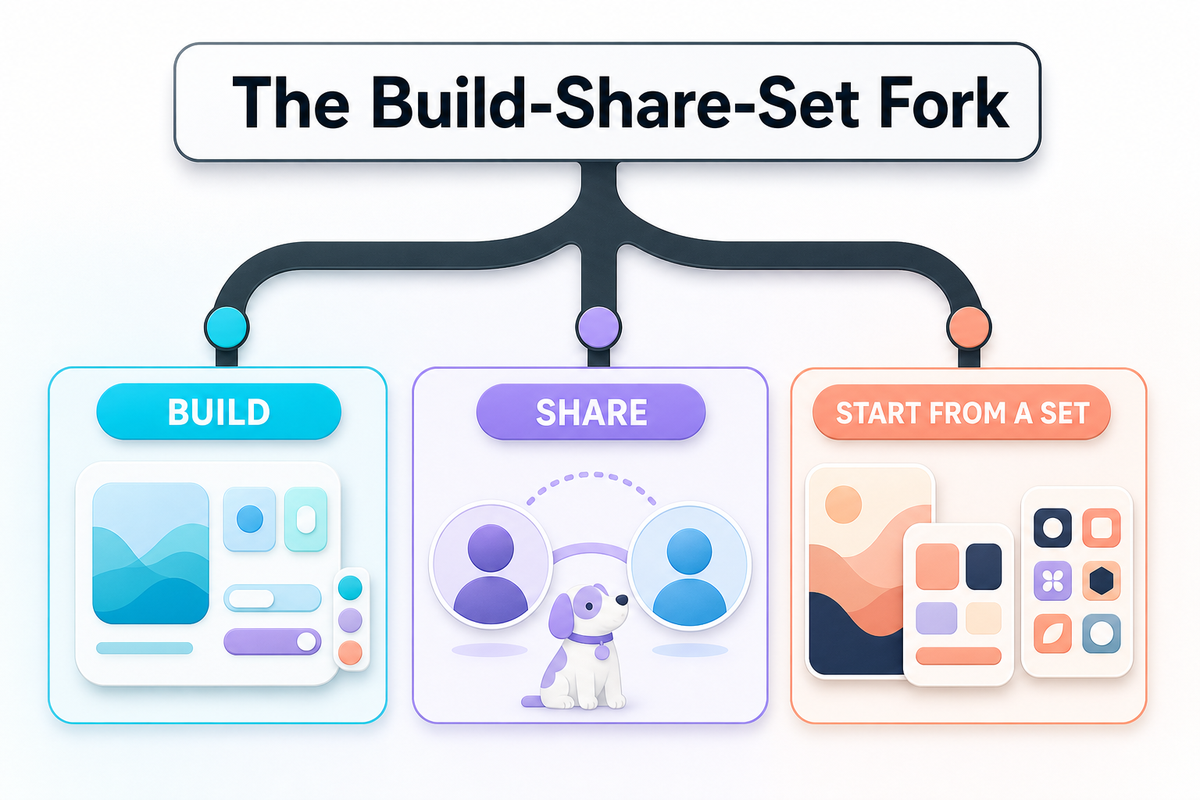
If you want one sentence, use this: choose Widgetsmith to build, Widgetable to share, and iScreen to start from a set. That’s the Build, Share, or Start from a Set choice. Use it before comparing feature counts, prices or storefront ratings and choosing your first app.
The Build–Share–Set Fork: there isn’t one best widget app for every job. Decide whether you want to build the widget, share a small loop, or begin with a ready-made visual set.
| Your main job | Best fit | Why | Main tradeoff |
|---|---|---|---|
| Build a widget from detailed visual and data choices | Widgetsmith | Precise control over fonts, colors, borders, artwork, data and schedules | More choices to make |
| Share a small daily ritual with someone | Widgetable | Couples, friends, moods, distance, sleep and co-parented pets are the product center | Less suited to a fully custom information dashboard |
| Begin with a ready-made screen set | iScreen | Widgets sit beside themes, wallpapers and icon treatments in one catalog | A large catalog can still take time to browse |
None of those categories is exclusive. Widgetsmith offers themes and wallpapers. Widgetable includes aesthetic widgets and other visual choices. iScreen includes social and pet widgets. Each winner describes an app’s strongest workflow, not a claim that the other two can’t perform the job.
At a Glance: iScreen vs Widgetsmith vs Widgetable
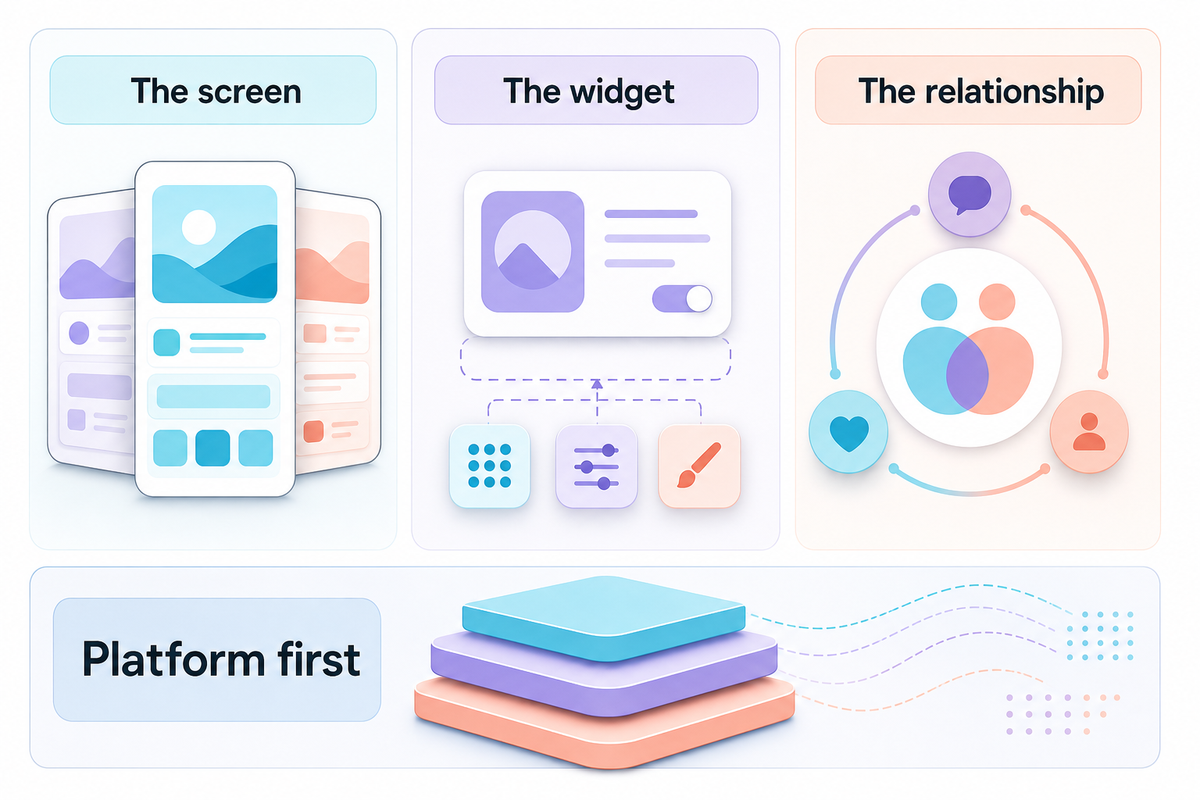
For a fast comparison, ask what you’re building around. Widgetsmith starts with the widget. Widgetable starts with the relationship. iScreen starts with the screen. That starting point usually reveals which setup will feel natural and which one will feel like extra work.
This matrix prevents a common mismatch because the official App Store and Google Play listings, checked on August 9, 2026, show different device support and product centers. That evidence supports a shortlist, not a universal quality score.
| Comparison type | iScreen | Widgetsmith | Widgetable |
|---|---|---|---|
| Primary emphasis | Ready-made sets across widgets, themes, wallpaper and icons | Granular widget construction and scheduling | Shared social widgets, couples and pets |
| Best for | A quick, unified visual makeover | A personal information or photo system | A recurring interaction with another person |
| Free download | Yes, with in-app purchases | Yes, with in-app purchases | Yes, with in-app purchases |
| Apple listing | iPhone, iPad, iMessage | iPhone, iPad, Apple Vision | iPhone |
| Android listing | Yes | No current public listing found | Yes |
| Scheduled display emphasis | Available across varied widget types | Explicit time-based widget scheduling | Not the primary product emphasis |
| Shared relationship depth | Friends, couples, pets and plants available | Personal photos and data, but not a relationship system | Core product purpose |
| Visual starting point | A ready-made screen set | A widget component and its rules | A person, pet or shared state |
| Who should skip it | Someone who wants to hand-build every component | Someone who wants a social pet loop first | Someone building a dense custom dashboard |
Platform support matters more than it looks. An Android user can remove Widgetsmith from the shortlist immediately. An iPad user who wants the same construction system across Apple screens should examine Widgetsmith and iScreen before comparing pets or themes. Availability isn’t glamorous, but it prevents a lot of wasted comparison.
Which App Gives You the Most Customization Control?
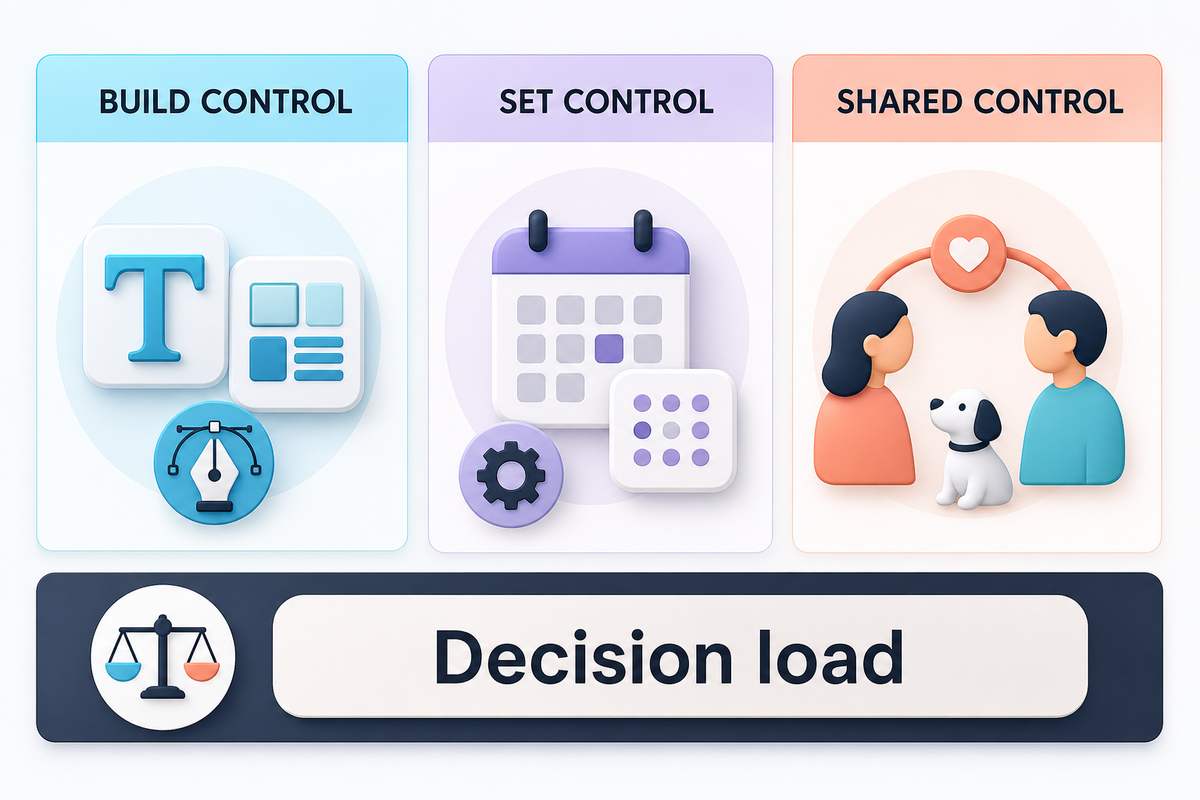
For detailed, build-from-scratch control, Widgetsmith is the strongest choice. Its current App Store description foregrounds precise choices for colors, fonts, borders, artwork and themes. It also names photos, countdowns, music, a weather widget, Actions and connections to data such as calendars and reminders. Scheduled widgets can change at different times of day.
Evidence boundaries matter because these are vendor-declared capabilities, not a controlled design contest. Widgetsmith’s developer-supplied App Store description states that these controls are offered; it doesn’t prove that every user needs them.
Those options work especially well when your idea starts as a rule: show one photo set in the morning, a calendar widget later, and different widgets at night. Widgetsmith can display several kinds of information or schedule one type to change with the day.
Its main drawback is decision load. Detailed control means choosing the content, its source, its visual treatment and sometimes its schedule. That’s the appeal for a builder, but it can feel like work when you only want a finished screen.
Where iScreen differs
iScreen offers customizable widgets too, including interactive, weather, battery, launcher and photo-oriented choices. Its difference is the surrounding catalog. Its official listing and iScreen widget gallery place widgets next to themes, wallpaper and icon packs. This catalog covers Home Screen widgets, Lock Screen widgets, StandBy and other surfaces.
You still customize, but you can begin with a prepared visual direction rather than a blank component. That’s why iScreen wins the ready-made starting point rather than pure control.
Where Widgetable differs
Widgetable lets you choose a look, but its distinctive variables are shared with a person: a mood, distance, sleep status or pet. What matters isn’t border width. It’s what happened between the two people, which makes Widgetable expressive without turning it into a full dashboard builder.
Which App Starts Closest to a Ready-Made Screen?
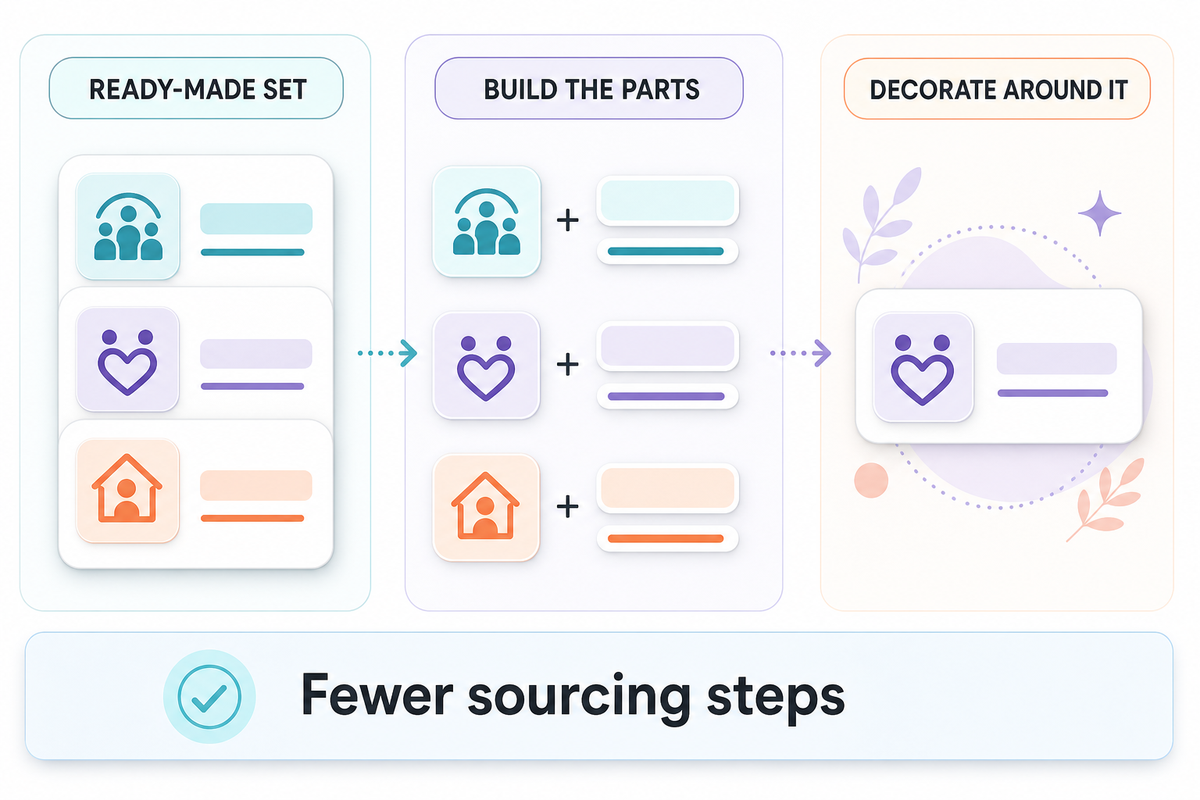
iScreen is the strongest fit when you want a prepared screen direction rather than one custom widget. It places widget choices beside wallpaper, themes and icons, so you can begin with a set instead of sourcing every layer separately. For advice on making those layers match visually, use the site’s complete-screen styling guide.
iScreen reduces sourcing steps by grouping those layers in one product catalog. You can choose a theme direction, then browse iScreen’s icon catalog for aesthetic icon packs that fit the same set. The benefit isn’t that every theme installs itself without choices. The benefit is that you can begin from a prepared family instead of translating one app’s beige, type style or illustration language into another app’s catalog.
You can absolutely make a matching screen with Widgetsmith. It may produce the more personal result if you already know the exact font, colors, photo crop and data you want. Its official site also offers themes and wallpapers, so “Widgetsmith only makes widgets” is outdated. In practice, Widgetsmith helps you specify the parts while iScreen gives you a ready-made set to start from.
Widgetable is the least direct choice for a total visual system. Pick it when the shared widget is the emotional center of the screen and decorate around that. Don’t pick it merely because you want every icon and wallpaper to share one visual language.
The Build–Share–Set Fork
- Can you describe the exact widget you want, including its data and schedule? Start with Widgetsmith.
- Can you describe the overall look but not every component? Start with iScreen.
- Can you describe the person or pet you want to see, while the style is secondary? Start with Widgetable.
If you’re still exploring apps like Widgetsmith, the site’s broader 12-app widget roundup covers more options. This page deliberately stays with the deeper three-brand decision.
Which App Is Best for Friends, Couples and Pets?
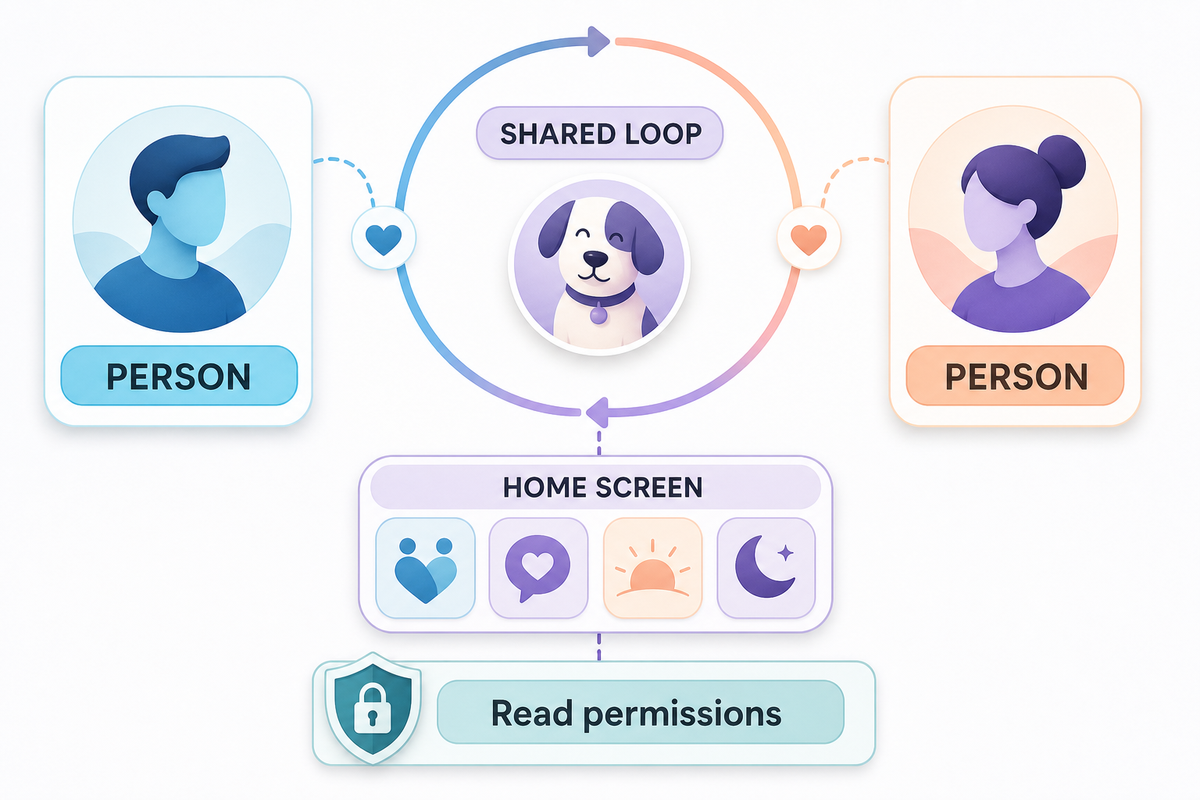
Widgetable is the obvious first app to test for friends, couples and shared virtual pets. Its Apple listing is filed under Social Networking and centers on co-parented pets, sleep, moods, distance, status, signals that say you miss someone, and plants.
Those features create a loop. A widget changes because someone sent a state, because a shared pet needs attention, or because the relationship has a small ritual. You aren’t just viewing data you defined once.
iScreen also offers friends, couples, pets and plant-style widgets, including on its Android listing. That makes it a stronger crossover option when you want a social widget inside a broader themed makeover. If the relationship mechanic itself matters most, Widgetable is more focused.
Widgetsmith can display photos and personal data beautifully, but a photo widget isn’t automatically a shared relationship system. Choose it if the priority is how a memory is framed, scheduled and styled. Choose Widgetable when the exchange behind the frame matters most.
There’s also a privacy question behind the fun. Distance, sleep and relationship features can involve more personal data than a decorative photo or clock. Widgetable’s Google Play listing indicates that some features use location or sleep-related data. Read each permission request and decline anything that doesn’t make sense for the feature you’re enabling.
Permission mismatch is a practical risk: Widgetable’s developer-provided disclosure on Google Play describes the data context, but you still need to decide whether location or sleep access is reasonable for the exact feature you’ve selected.
Free vs Paid: What Can You Use Before Subscribing?
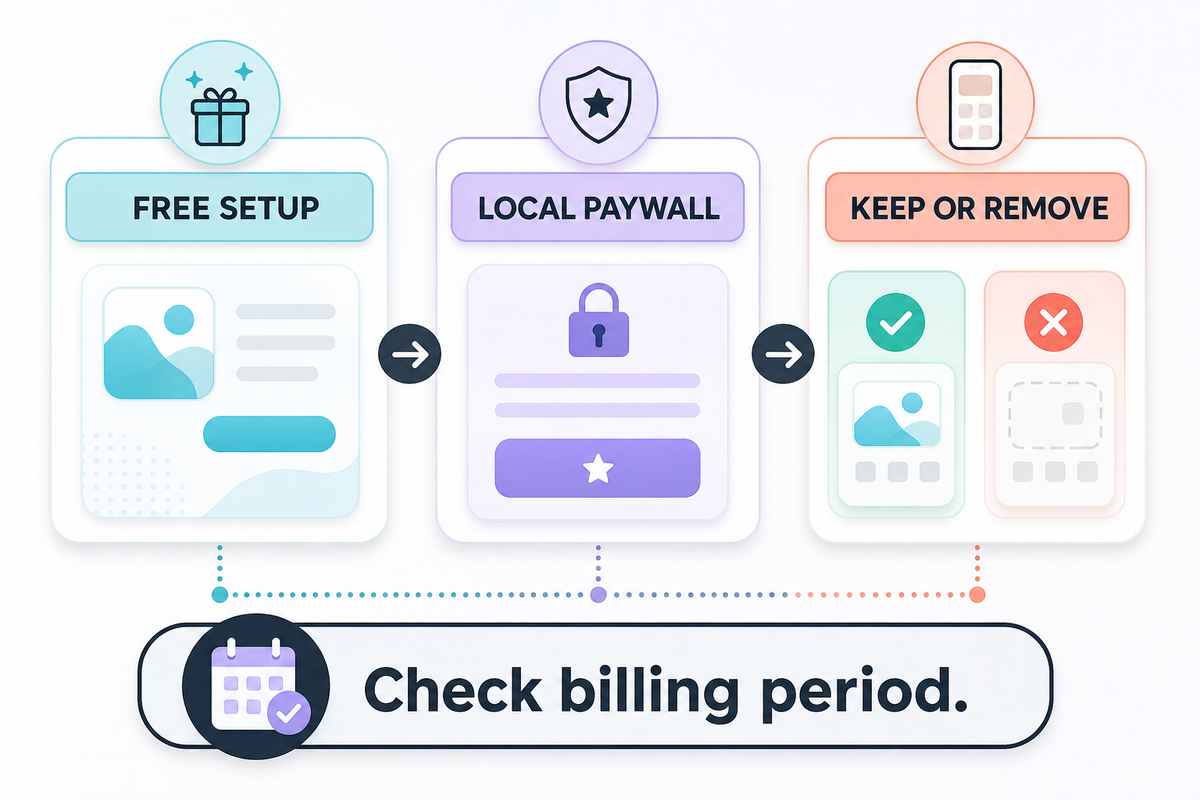
All three were free downloads with in-app purchases in the US Apple App Store on August 9, 2026. That doesn’t mean every desirable theme, data source or social feature is free. It means you can install each app before deciding whether its premium layer is worth the price.
For current pricing, Widgetsmith publishes the clearest figure in an official support FAQ: Premium was listed at $1.99 per month or $19.99 per year with a seven-day trial. Premium examples include custom themes and weather data.
Price comparison can fail when a weekly headline is set beside an annual plan. Because the official FAQ and storefront entries use different billing periods, compare the total for the period you expect to keep the app.
iScreen’s US storefront showed several VIP purchase entries across different billing periods when checked. Some entries appear promotional, so listing every visible price would create false certainty about the offer a particular user will see. Widgetable also offers Premium purchases, but we didn’t verify one stable public price for a fair fixed comparison.
The fairest way to compare price is in the storefront and region you’ll actually use:
- Install the free version first. Complete one free widget setup and confirm that the widget family or social feature you want exists.
- Open the paywall from that feature. Don’t assume the first general upgrade screen is the only offer.
- Check the billing period and renewal language. A low weekly price can cost more over a year than an annual plan.
- Ask what the subscription removes or unlocks. Ads, weather data, premium themes and relationship features provide different kinds of value.
- Set a reminder before the trial renews. Keep the plan only if the widget proves useful after a full week.
Best free starting strategy: complete one full screen or one relationship loop before paying. A working free setup tells you more than a huge catalog of locked items.
Device Support: iPhone, iPad and Android
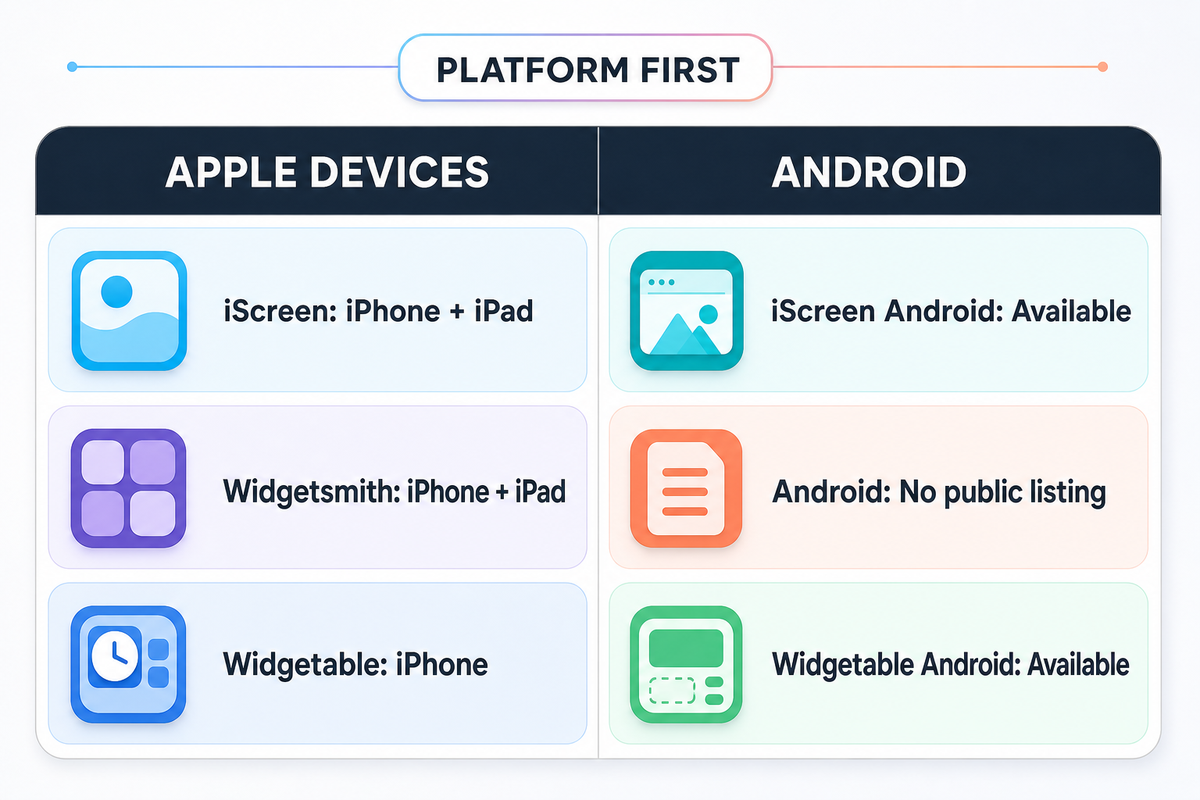
Device support can decide the comparison before features do. An appealing feature is useless on a device the app doesn’t support. Current official Apple and Google listings, checked in August 2026, establish the public platform shortlist below; they do not guarantee that every feature appears on every supported device.
- iScreen: the current Apple listing shows iPhone, iPad and iMessage. A separate Google Play listing covers Android phones and tablets.
- Widgetsmith: the current Apple listing shows iPhone, iPad and Apple Vision and is marked Designed for iPad. No current Android version was found in the official public listings used for this comparison.
- Widgetable: the Apple listing says “Only for iPhone,” while a separate Google Play app makes Widgetable available on Android. “Only for iPhone” therefore describes its Apple-device availability, not the entire product.
If you use Android, your practical decision is iScreen vs Widgetable: a ready-made set or a shared connection. If you use an iPad and want a detailed construction system, Widgetsmith’s explicit iPad positioning deserves attention. If you’re styling both an iPhone and an Android device, confirm that the exact widget or theme you want exists on both platforms; the same app name doesn’t guarantee identical catalogs.
Widgets also inherit operating-system limits documented in Apple’s WidgetKit guidance and Android’s app-widget overview. A tile that looks interactive may still open its app for a complex task. Our separate guide explains what an interactive widget tap actually does on iPhone; this comparison doesn’t repeat those mechanics.
How to Choose in 60 Seconds
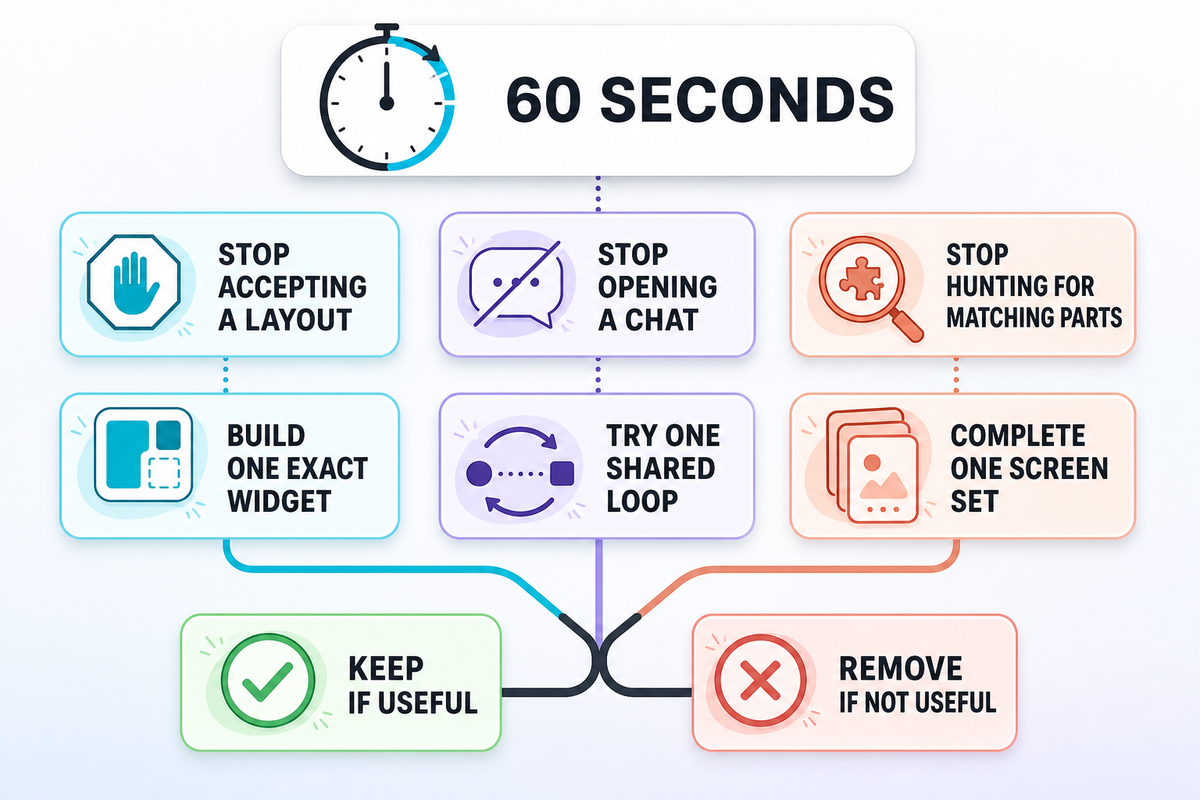
Don’t count features. Complete this sentence instead: “I want the app so that I no longer have to ______.” The blank identifies the work you want to remove, which is more useful than comparing catalog size. If the answer is still vague, first customize your iPhone Home Screen around one concrete goal.
| Your answer | Start here | Your first trial |
|---|---|---|
| …accept somebody else’s layout | Widgetsmith | Build one photo, calendar or countdown widget with your exact typography and data |
| …open a chat just to share one small feeling or ritual | Widgetable | Invite one person and try one mood, distance or pet loop |
| …hunt for separate wallpaper, icons and widgets that match | iScreen | Complete one Home Screen from a single visual direction |
| …guess whether the app works on Android | iScreen or Widgetable | Verify the exact feature in Google Play before styling the screen |
| …rebuild a detailed widget for my iPad | Widgetsmith | Test one information widget on both iPhone and iPad |
| …remember to check on a shared virtual pet | Widgetable | Invite one person and care for one pet together |
| …pay before I know whether the workflow fits | All three | Finish one useful free setup before opening the paywall |
| …choose between a social tile and a practical dashboard | Use two apps | Keep each app only if its widget survives the seven-day test |
| …start with a theme set and add one shared relationship widget | iScreen + Widgetable | Choose the ready-made set first, then add one social tile |
If two answers fit, using two apps is reasonable. For example, you might use functional widgets such as a calendar in Widgetsmith and keep a Widgetable pet on another page. Or use an iScreen theme as the visual system around a Widgetable social tile. Maintenance is the main downside: two catalogs, two permission sets and potentially two subscriptions.
Before keeping both, use a seven-day usage review:
- Did I look at or interact with this widget without reminding myself?
- Did I change its setup more often than I benefited from it?
- Would I notice if it disappeared tomorrow?
A widget that fails all three questions should leave the screen, even if it came from the app that won a comparison table.
Use real checkpoints instead of an endless trial. Give each app 10 min for orientation and no more than 1 hour to complete one useful screen. Keep one candidate on your main screen for 3 days, correct anything necessary on day four, and decide after 7 days. If you pay, check again after 30 days. Compare an annual price over 12 months, not against one month’s headline. Spend no more than 15 min on permission, removal and restart checks before contacting support. This is a decision method, not a measured claim about any app.
What the 2026 Evidence Does and Does Not Prove
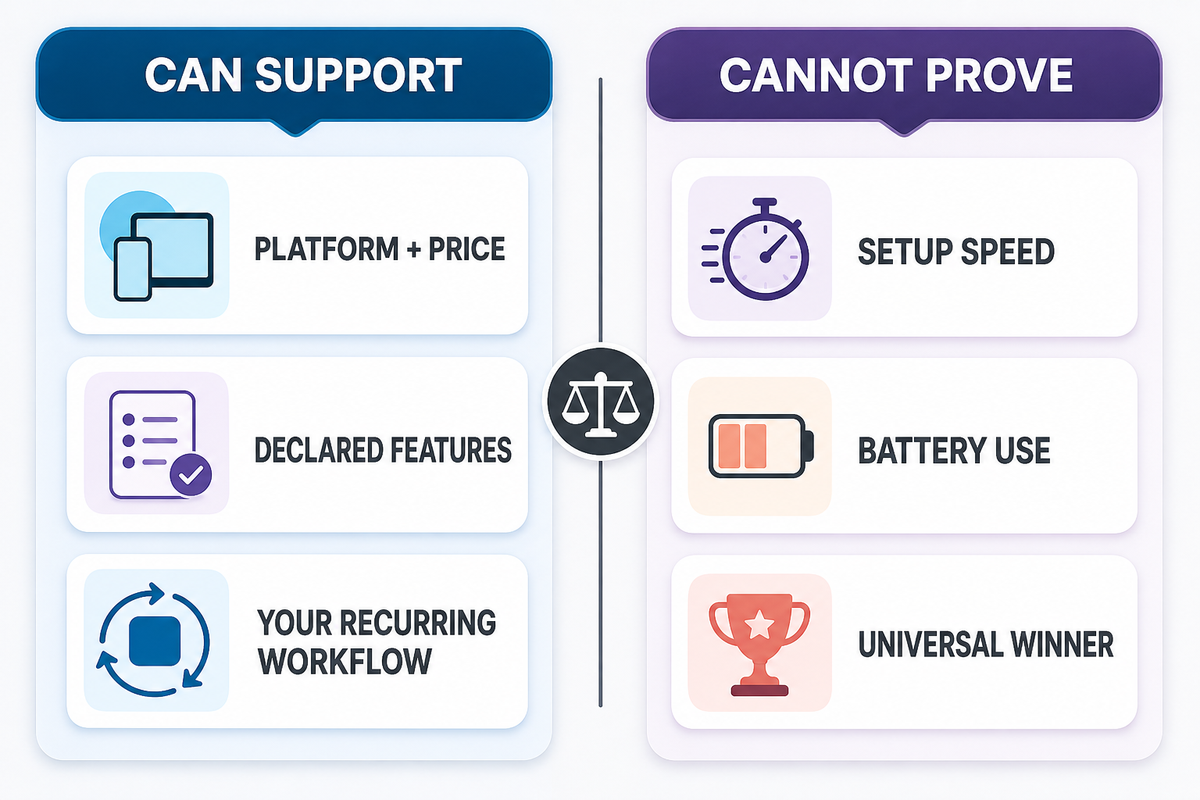
Overclaiming is the main risk because storefront evidence verifies listings, prices and declared features, not personal fit. Apple’s official pages provide the dated 2026 snapshots below; the decision framework stays separate. Those sources cannot determine a universal winner or predict which workflow you will keep using.
Storefront numbers are useful context, but they’re a poor overall score. On August 9, 2026, the US App Store showed iScreen at 4.7 from 147K ratings, Widgetsmith at 4.6 from 764K ratings and Widgetable at 4.9 from 381K ratings.
Those figures show that each app has accumulated a large review base. They don’t predict which screen you’ll prefer, whether a social loop will still feel useful after a month, or how long you’ll spend configuring the app. Rating populations aren’t controlled, versions change, and people judge different jobs.
We also found no comparable, controlled test for setup time or battery use across these three apps. So this article doesn’t claim that iScreen is faster by a certain number of minutes, that Widgetsmith uses more power, or that Widgetable has a lower performance cost. “Faster” here means beginning from a prepared set instead of sourcing each visual layer separately, not a stopwatch result.
Product convergence is the other important 2026 finding. Widgetsmith has expanded beyond a blank widget builder. iScreen includes social and pet options. Widgetable includes visual customization. That’s why a universal score would age badly. The job-based verdict is more durable: build, share or start from a set.
In a five-year retrospective, Widgetsmith’s developer described the app’s origin around customizable and scheduleable widgets and discussed an iOS 26 redesign. That first-person history helps explain the product’s direction, but it isn’t independent market research. The ownership rule applies equally to iScreen claims on this page.
Frequently Asked Questions
Is iScreen better than Widgetsmith?
iScreen is better for someone who wants to begin with a ready-made set of widgets, wallpaper and icons. Widgetsmith is better for someone who wants finer control over the widget itself, including fonts, colors, borders, data and schedules. Neither is universally better.
Build one real screen before deciding: if you keep leaving the editor to hunt for matching visual layers, iScreen solves the more important problem. If a prebuilt direction keeps forcing compromises in data, typography or timing, Widgetsmith does. A person who enjoys designing may prefer that extra work because it’s also the source of control.
Is Widgetable better than Widgetsmith?
Widgetable is better for couples, close friends, shared pets, moods, distance and other relationship-centered widgets. Widgetsmith is better for building customized photo, calendar, countdown and weather widgets that show information at a glance. That is the core divide. If the widget represents an ongoing exchange with another person, start with Widgetable. If it represents information or a visual layout you control, start with Widgetsmith.
Test the actual interaction you expect to repeat: invite one person to Widgetable, or build one useful data widget in Widgetsmith. A pretty preview alone won’t reveal which routine fits.
Can I use iScreen, Widgetsmith and Widgetable together?
Yes. iPhone and Android home screens can hold widgets from more than one app. Use one app for the visual system and another for a specific social or information job. Just remember that each app keeps its own permissions, catalog, updates and premium plan, so every extra app adds maintenance.
Which widget app is best for Android?
Between these three, Android users should compare iScreen and Widgetable because both have current Google Play listings. Pick iScreen for a broader styling kit and Widgetable for social, pet, distance or sleep-oriented widgets. Widgetsmith didn’t have a current public Android listing in the official sources checked for this article. Before subscribing, verify that the exact widget appears on your Android device; availability under the same app name doesn’t guarantee identical catalogs across operating systems.
Start with one free screen or one shared loop, then keep the app only if it still feels useful after the seven-day test.
Which app has the best free version?
There isn’t a stable universal winner because free catalogs and paywalls can change. All three were free downloads with in-app purchases when checked. Complete one real setup before subscribing. A useful free version tests your workflow; a large locked catalog doesn’t.
Why is my widget not showing or updating?
Open the app once, confirm that the widget has been created, and check any photo, calendar or location permission that the selected widget needs. Remove and add the widget again, then restart the phone if it still won’t load. Widgetsmith’s official FAQ specifically recommends a reboot for loading problems and checking photo access for photo widgets. If only one feature fails, contact that app’s support instead of reinstalling all three.
Also confirm that the chosen widget still exists in the app’s current catalog and that its data source can update. If another widget from the same app works, the problem is probably feature-specific rather than a reason to reset the entire screen.
So which widget app should I download first?
Download Widgetsmith first for an exact build, Widgetable for a specific person or shared pet, and iScreen for a ready-made screen set. Try one complete use case before paying. Let the first finished screen, not the download page, decide for you.
References & Sources
- iScreen on the US App Store — features, platforms, rating and purchase snapshot.
- Widgetsmith on the US App Store — features, platforms and rating snapshot.
- Widgetable on the US App Store social features, platform and rating snapshot.
- iScreen on Google Play — Android availability and declared features.
- Widgetable on Google Play Android availability, declared features and data-use context.
- Widgetsmith FAQ Premium pricing, trial and troubleshooting snapshot.
- Widgetsmith official site current product positioning and feature families.
- Apple Support: add, edit and remove widgets — current iPhone widget setup and interaction guidance.
- Apple Developer: WidgetKit — platform framework and supported widget surfaces.
- Android Developers: app widgets overview — platform widget types, behavior and limitations.
- Widgetsmith at Five developer-authored product history, treated as first-party context.
Storefront availability, ratings, prices and features can change. Snapshot checked August 9, 2026.
-1.png)